Making anyone
a Copilot agent builder

Copilot Studio — describing an AI agent in plain language.
Timeline
2024
Role
Staff Product
Designer
Team
Cross-functional
(PM, Eng, Research)
Scale
30M+ commercial
seats
What This Project Shows

How I take an ambiguous 0→1 AI problem and ship it

Impact

A no-code builder that got more people across Microsoft 365 Copilot creating their own agents, by making governance safe enough to hand the build to non-technical people

+xx%
monthly users
xx%
# of custom agents created
Exact figures are Microsoft-internal. Happy to walk through them in an interview.
Situation

The capability shipped before the experience did

In 2024, Copilot Studio gained GPT-powered natural language understanding. Any company could now build an AI agent that reasoned over its own product catalog, tickets, and internal documents. The power was real. The way to build one was not designed yet.

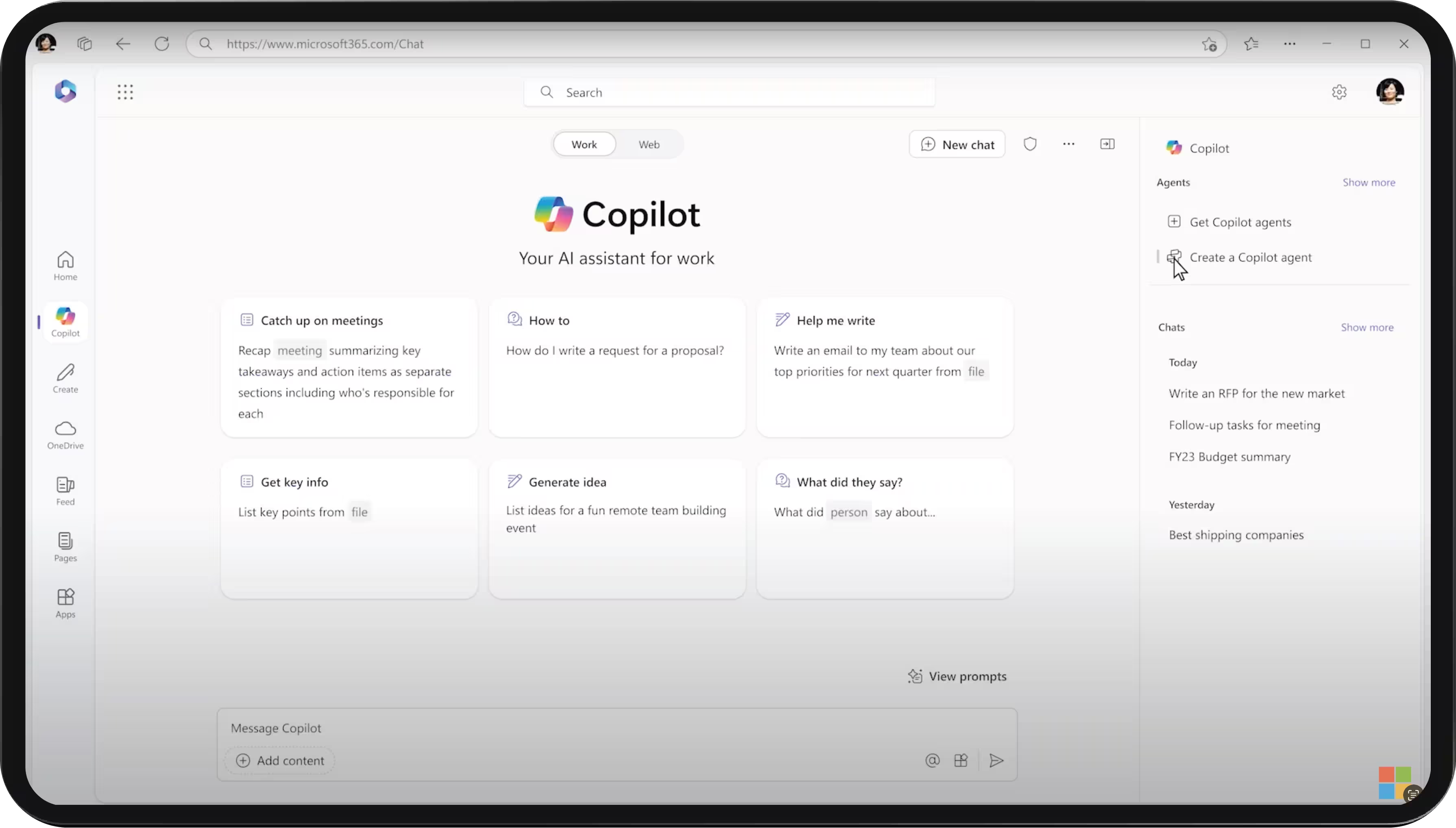
And the people who most needed these agents could not build software. A sales enablement manager, an HR partner, a procurement lead: each knew exactly what they wanted an agent to do, but getting one meant filing a request with a developer and waiting in a backlog while their knowledge got translated secondhand. My job was to move the build into the hands of the person who owns the problem.

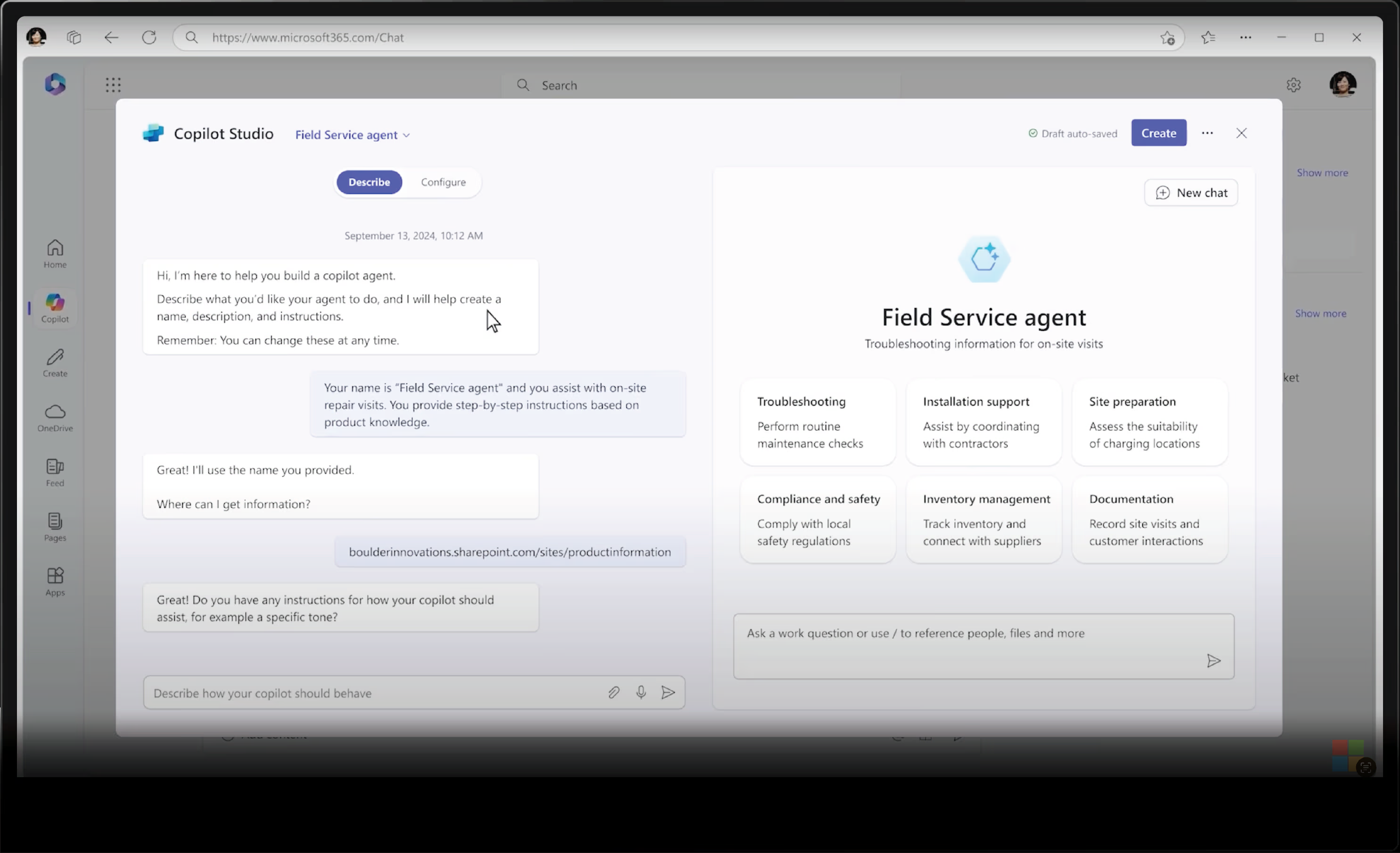
The plain-language screen where you describe what the agent should do.
Challenges

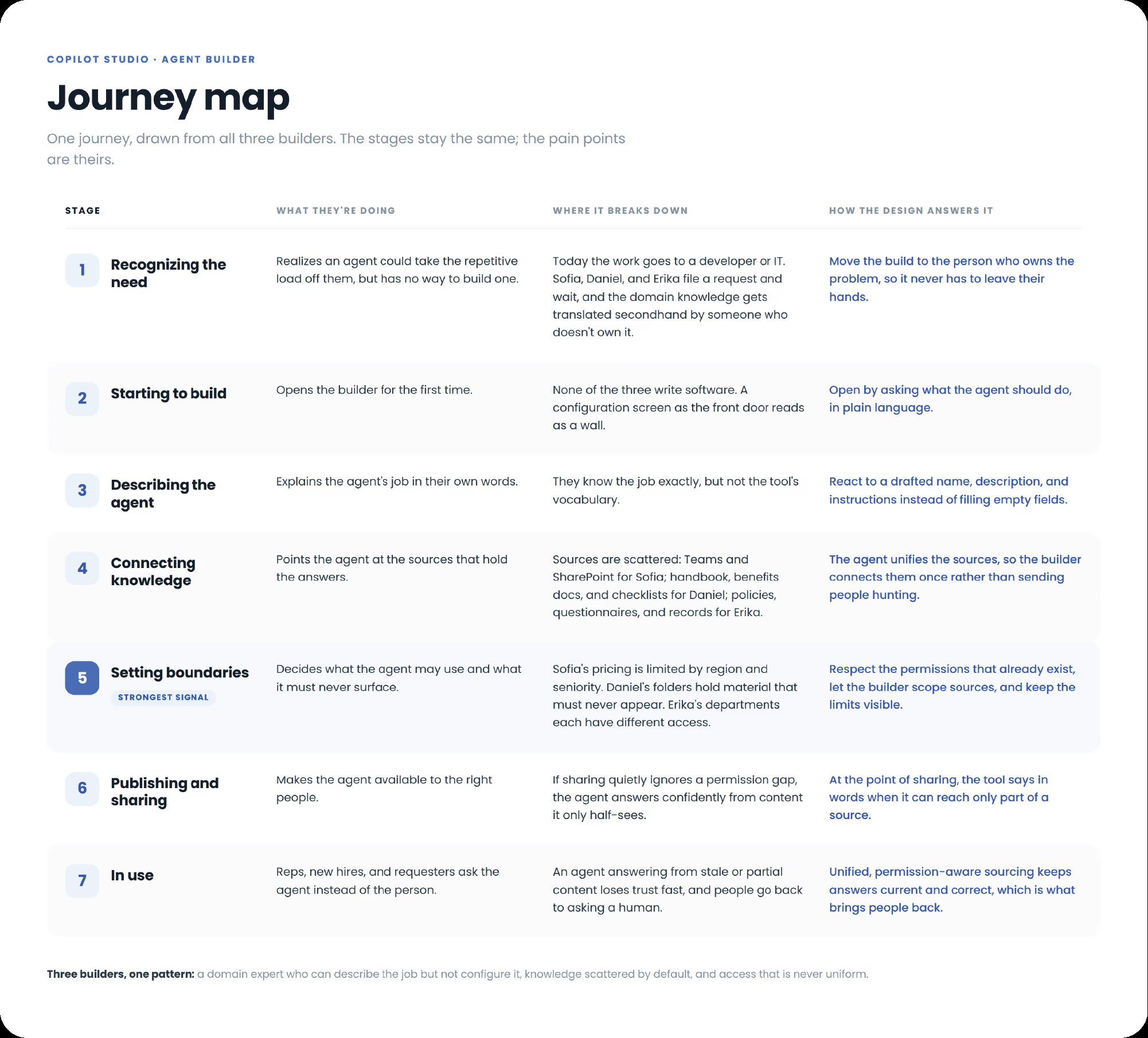
One builder, scattered knowledge, and rules that cannot be broken

One flow serving both first-time and power users building an agent.
DESIGN PRINCIPLE

You describe the agent. The tool builds it.

Configuration is where these products lose non-technical people. So the flow leads with a conversation: you say what you want the agent to do, in plain language, and the setup follows from that. Configuration stays available for anyone who wants it, but it is the second door, not the first.

The hard call

The two goals fought each other. A builder friendly enough for a non-technical person is also a builder that makes it easy to ship something that leaks, and every user I designed for had material that must never surface. The move most teams reach for is a simpler configuration screen. I argued for removing configuration as the entry point entirely, and for carrying the permission rules on the builder’s behalf, so the easy path and the safe path became the same path. That decision is the design.

Approach

One principle, applied across the build

Result

Shipped, and it opened the door to more builders

The builder shipped inside Microsoft 365 Copilot. With the describe-first entry point, non-technical people started creating their own agents that used to sit in a developer's queue, and the number of custom agents created rose. The clearer submission and approval flow made approvals measurably faster, and because governance was built into the flow, that speed did not come at the cost of exposing the wrong thing.

A working preview of the built agent in Copilot Studio.

Next

Building my own design-to-code agent

LinkedIn